
Updated
Profile and password
Update your display name and change or reset your password.
Open the account menu (top-right) → Profile.
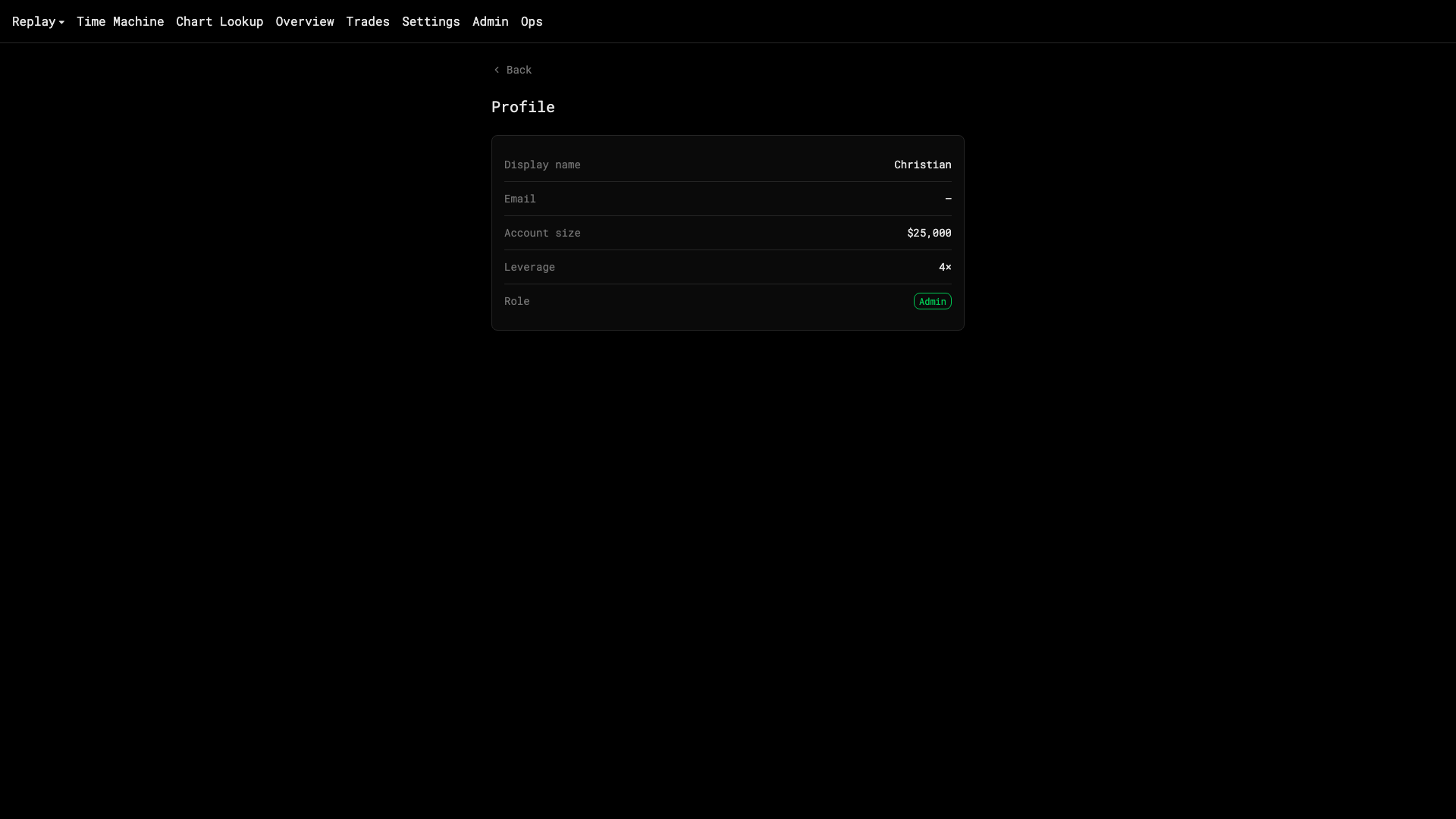
- Display name — shown on share cards and versus pages.
- Email — your sign-in. Changing it sends a confirmation to the new address.
- Password — use Change password, or sign out and use Reset password on the sign-in page to get a link by email.
Your starting cash from the first-run prompt is recorded on your profile but the setup card’s balance is what a session uses.