
Updated
Trade from the chart
Drop an order pill at the crosshair, drag it, and submit without leaving the chart.
Place an order
- Hover the chart where you want the price and press o. An order pill appears at the crosshair, sized from your Order Entry defaults.
- Drag the pill up or down to adjust the price. The pill shows side and quantity.
- Click Submit on the pill (or press Enter). Press Esc to discard it.
Right-click the chart for the same actions from a menu.
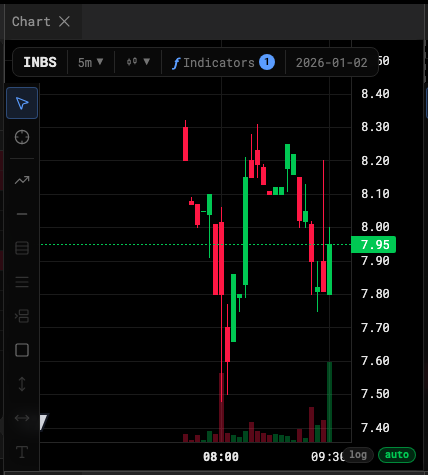
Working orders on the chart
Every working order draws as a line at its price. Drag the line to modify the price — the desk cancels and replaces the order, which means a new latency draw and a new place in the queue, exactly as it would at a broker. The × on the line cancels.
Filled orders become execution markers.
The o key is configurable under Settings → Hotkeys → Chart. It never sends an order by itself; the pill is what you submit.