
Updated
Short selling and locates
Locate shares, understand SSR, and cover.
Locate first
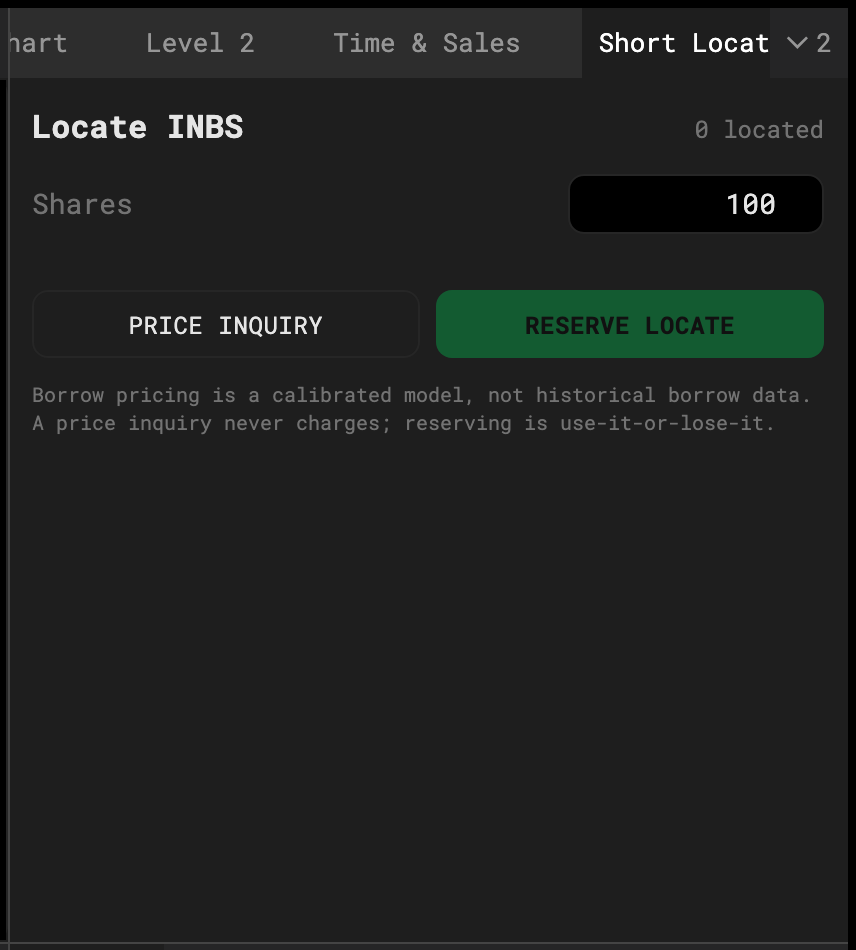
Open Short Locate from the Window Catalog. Request shares for the symbol; the desk answers with availability and a per-share fee based on the name’s real float and hard-to-borrow status that day. Accept, and the locate is good for the session.
SHORT on the ticket is greyed until you hold a locate.
SSR
If the name triggered the short-sale restriction that day (down 10%+ from the prior close), an SSR badge shows on the quote. Under SSR a short must be placed above the current bid — a short at the bid rejects, exactly as a broker would.
Cover
COVER buys back into a short position. The F7 default hotkey covers 100% at the ask.