
Updated
Wipe and restore your stats
Start the ledger over, with a 30-day undo.
Settings → Danger Zone
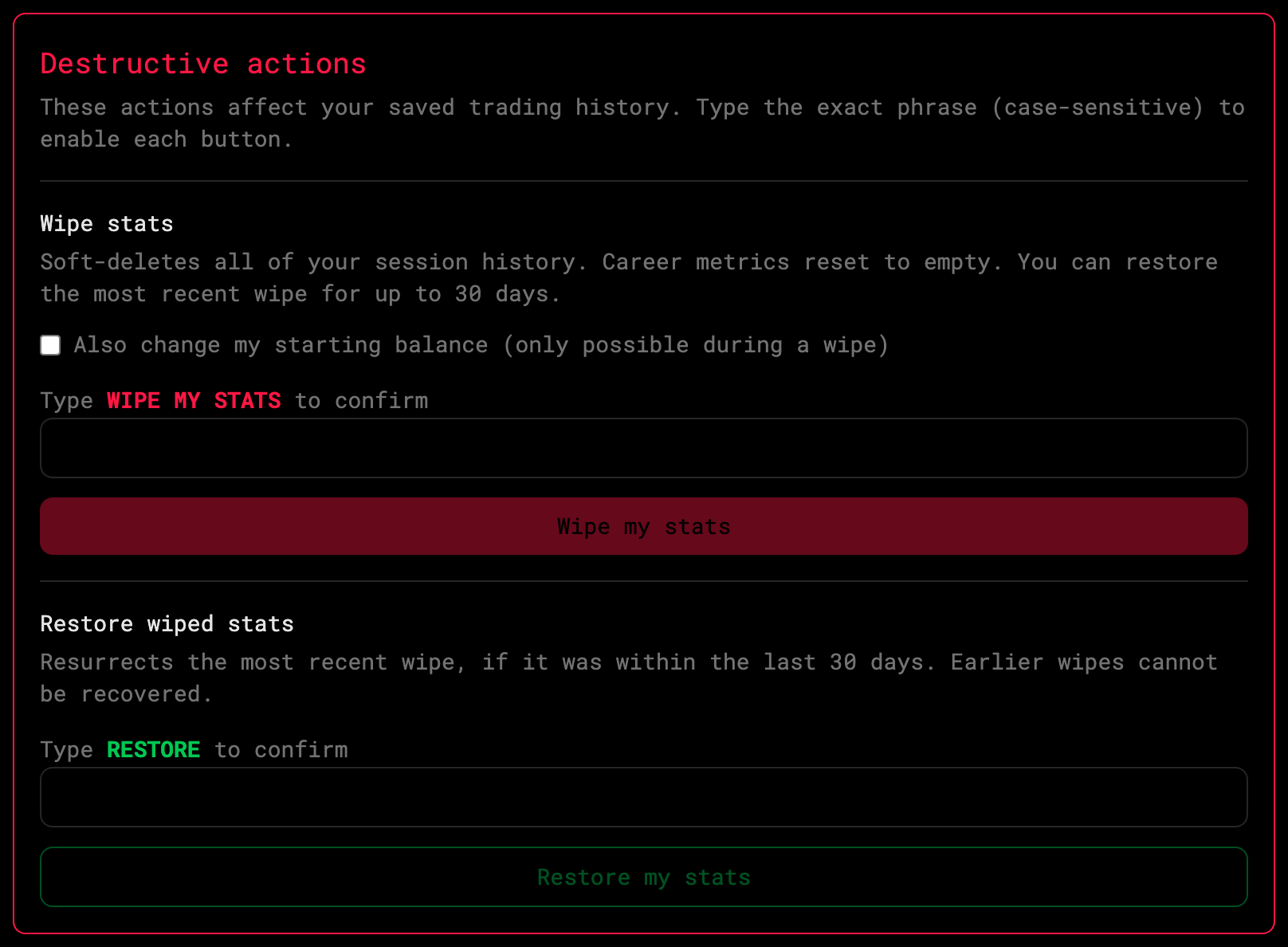
Wipe stats
Type the confirmation phrase and press Wipe. Every session leaves your journal and career stats reset to zero. Optionally reset your starting cash at the same time.
Each wipe writes an audit row — the desk always knows what happened.
Restore
Restore wiped stats brings back the most recent wipe, as long as it’s within 30 days. Only the latest wipe can be restored.